Medical website design. Make the next step clear.
Medical website design with clear service pages, practitioner profiles and appointment enquiries. DIGITALON’s Sunshine Coast team builds WordPress websites for practices across Australia.

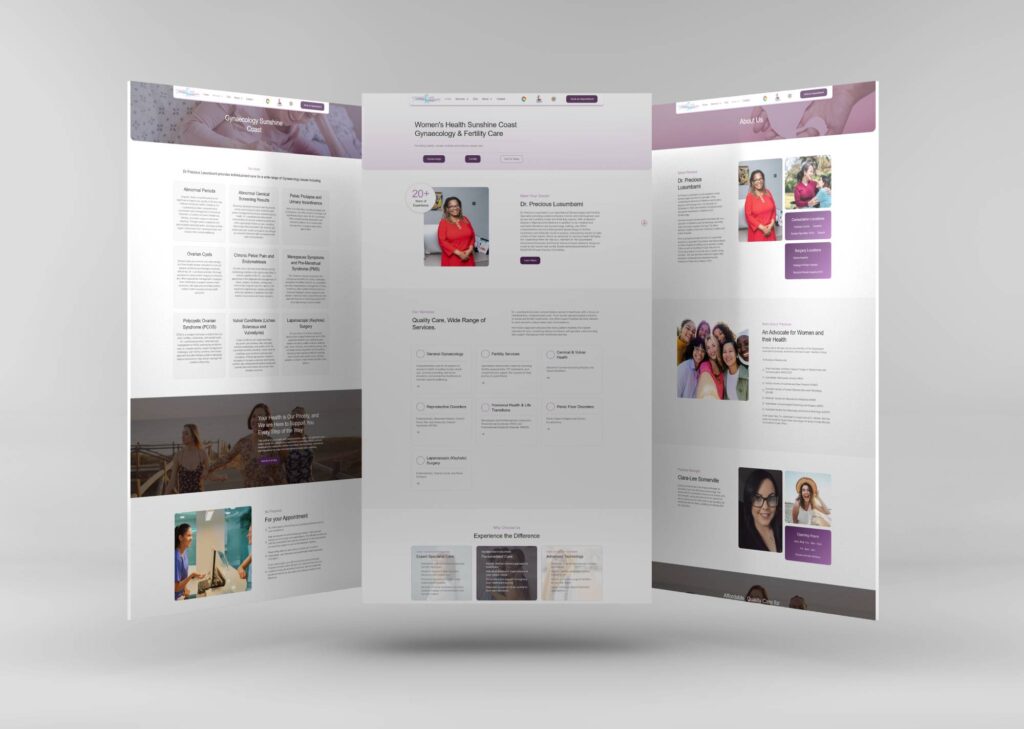
Real websites. Designed by DIGITALON.
Website features that fit your practice.
The website structure follows your services and workflow. Booking connections, referral tools and other additional functionality are assessed against the systems you use and included only in the agreed scope.
01Connected service and profile pages
We can connect service descriptions, practitioner profiles and location pages so the same facts are easy to find in context. A small clinic may need a concise team page; a larger practice may need individual profiles. Agreeing this structure early makes the page allowance meaningful and avoids hiding important information in long lists.
02Booking and referral connections
A supported booking link or embedded booking tool can connect visitors to your existing provider. Referral submissions may need a different route. We check the supplier's available options, account requirements and mobile experience before confirming the approach. Custom connections and third-party subscriptions are separately scoped; a website enquiry form does not replace a clinical records system.
03Readable pages and clear controls
Healthcare web design needs to work for people reading quickly or using different devices. Our design approach considers readable text, contrast, descriptive links, labelled fields and keyboard navigation. Important instructions belong in page text rather than only inside images or downloads. Any formal accessibility assessment and its required standard should be identified in the project brief.
04Practical WordPress editing
Your team can update agreed page content in WordPress, including practitioner details, service descriptions and opening hours. During planning, we separate routine edits from changes to layout or integrations. Assigning a content owner within your practice helps keep referral instructions and appointment information consistent as staff, services and locations change.
A website with more
than good looks.
Design gets their attention. Clear information and an easy next step help them decide what to do with it.
Built to be found
A clear page structure, relevant content and a sound WordPress foundation. SEO setup starts with Standard, shaped around the services your customers search for.
Ready for the next search
GEO setup is included with Premium. Clear answers and structured information help search and AI tools understand your business, without promising a ranking or recommendation.
A clear next step
Calls, enquiry forms and supported booking connections belong where people need them. We plan each journey around the action your business wants a visitor to take.
Medical website design packages.
Choose the space your services and story need. The same in-house design and development team, with a package to suit the scope.
Essentials
A focused website for a clear service offer.
5 custom-designed pages
- Australian designers and developers
- Mobile optimisation
- Self-editable content
- SSL certificate
- Links to your social media
- Royalty-free stock images
- Nightly backups
Standard
More room for your services, team and expertise.
10 custom-designed pages
- Everything in Essentials, plus
- Search engine optimisation (SEO)
- Image gallery with categories
- Smart image compression
- Customer testimonials slider
- WordFence firewall
Premium
A broader website with room for detailed content.
20 custom-designed pages
- Everything in Standard, plus
- AI search optimisation (GEO)
- Self-editable portfolio or blog
- Mega menu
- Google Analytics
- Spam protection technologies
- 1:1 website training
- Visitor insights reports
Digitalon was a terrific choice of supplier for the Website development component of the project. … The project was completed on-time, on budget while exceeding our expectations.
“Your expertise in web design, SEO, and so much more is amazing. Thank you for listening so carefully to our brief … It’s amazing to have DIGITALON just around the corner on the Sunshine Coast!”
“From the initial enquiry right through to the final handover their customer service was impeccable. … Their expertise is second to none, innovative & professional.”
“I am by no means tech savvy and they made it easy for me to understand everything … 100% happy with the website outcome!”
Good design.
Real websites.
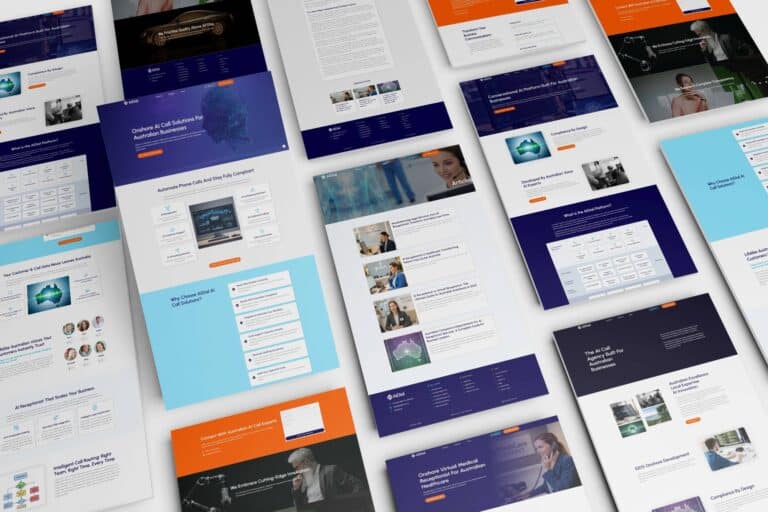
A selection of DIGITALON websites across the industries we work with. Open a project to see the work in detail.
Medical & HealthDr SujieMedical & HealthSunshine Coast and Wide Bay Gynaecology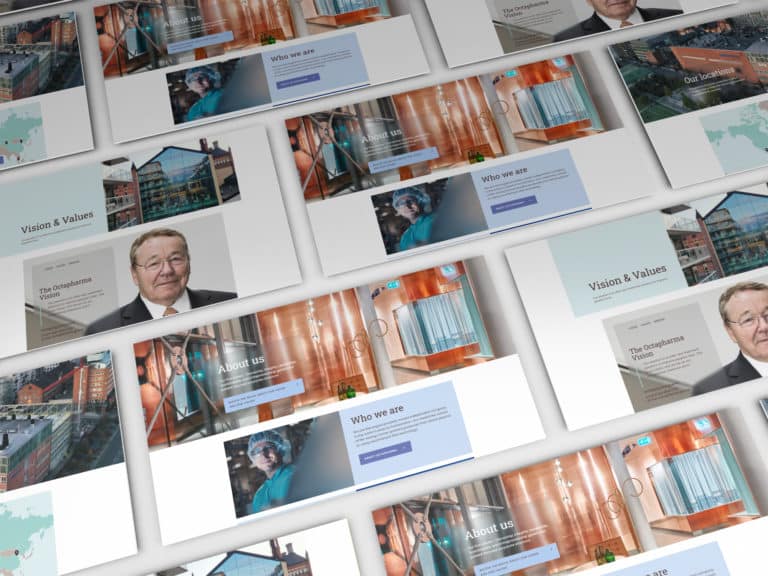 PharmaOctapharma Australia
 ExhibitionsElite Projex
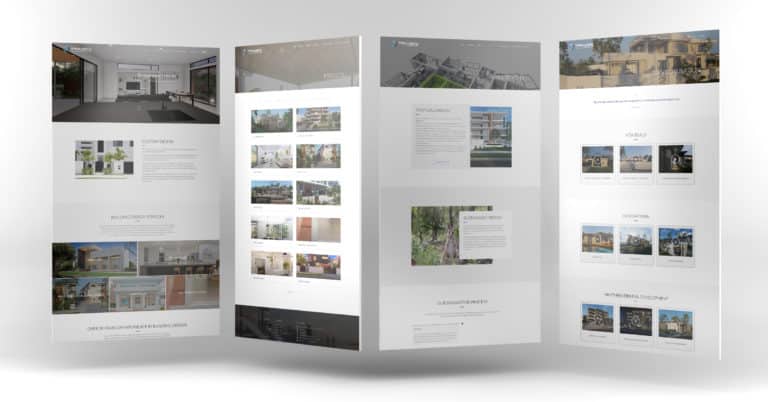 BuildingTaylor’d Distinction
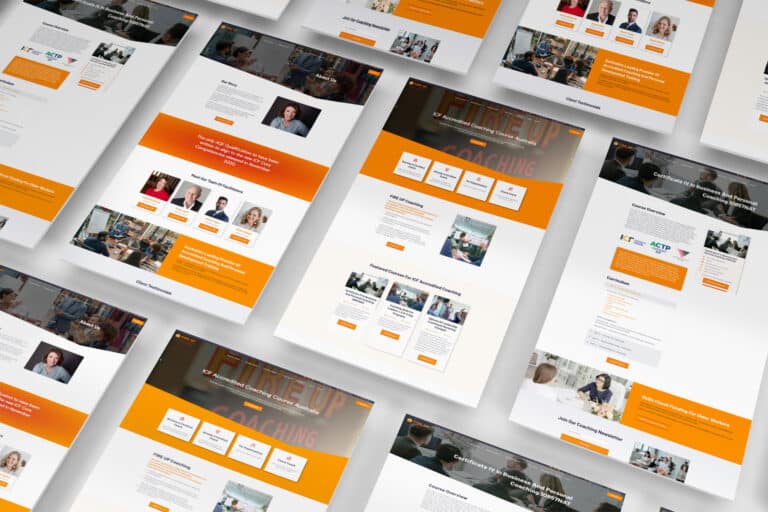 CoachingFIRE UP Coaching
 TechnologyAiDial
Every project has its own audience, services and story. These examples show our work across the sectors named below each image.
View the full portfolioWhat patients and referrers need to find.
Start with the questions your reception team answers regularly. These four areas give patients and referring professionals a useful route into your practice.
The right service and practitioner
Explain the services you actually provide in language patients recognise. Link each service to the relevant practitioner, with approved qualifications, areas of practice and consultation locations. A patient should be able to move from reading about a service to finding the person who provides it without searching a separate staff directory.
Preparation for a first appointment
Bring together your practice's instructions about referrals, appointment types, fees and what to bring. Make information for new patients easy to locate before they book. Where instructions differ between services, place the relevant details on that service page and identify whom to contact if the patient needs clarification.
Accurate details for each clinic
Give each location its own address, opening hours, contact details and relevant booking route. Include practical arrival information such as parking, public transport and the entrance to use, where confirmed by your team. For a practice working across several sites, show which practitioners and services are available at each.
An understandable appointment route
Use clear actions for online booking, telephone contact and appointment enquiries. Explain when a form sends a request for your team to review and when a booking system confirms a time. Show your practice-approved contact instructions beside the form, so visitors understand its purpose before sharing information.
We deliver.
You celebrate.
Seven steps from picking a package to showing off the result. No stage starts before you have signed off on the one before it, so you always know exactly where your project is.
Start my project-
Step 01
Select a package.
Pick the package that fits, or tell us what you need and we will scope it with you.
-
Step 02
First contact.
A call or a face-to-face meeting about your business and what the site has to do.
-
Step 03
Project proposal.
A written scope and a quote, based on that conversation. No surprises later.
-
Step 04
Sign the contract.
Contract signed and a 30% deposit paid, and your project starts — no queue.
-
Step 05
Initial design.
Your first website design, usually one to two weeks in, ready for your feedback.
-
Step 06
Revisions.
Three rounds of revisions to structure and content, until you are happy with it.
-
Step 07
Go live.
Your site launches, with the admin login and the training to run it yourself.
Medical website design questions.
A few things to consider before planning your new website.
Let’s talkCan the website suit a GP clinic, specialist or allied health practice?
Yes. The starting point is how people access your particular service. A GP clinic may prioritise appointment types and practitioner availability; a specialist practice may need more referral information. Allied health website design may give greater space to service explanations and appointment preparation. We agree those priorities before deciding the page structure.
What content should our practice prepare?
Start with your service list, practitioner biographies, clinic details, appointment instructions and approved fee information. Supply your logo and photography you have permission to use. You do not need finished pages before the first discussion: an outline helps identify missing information, and your nominated practitioner approves clinical wording before publication.
Can we keep our existing online booking provider?
We first check the provider's supported website link or embed and whether it handles your locations and appointment types. That may be all the connection you need. If you want a more complex workflow, we assess its feasibility and cost separately. Supplier charges and account permissions remain part of that decision.
Can you rebuild our site without changing its address?
A redesign can normally use your existing domain when the required access is available. We review the current pages, keep useful addresses where practical and plan redirects for those that change. Booking links, referral downloads and location information belong in the migration checklist. Search positions cannot be guaranteed through a redesign.
What changes when we have several clinic locations?
We map services, practitioners and contact routes to each location before estimating the build. Separate location pages are useful when they contain distinct information. Your team should identify who maintains those details and how changes are approved. Location filters or more complex directories can be scoped if the size of the practice justifies them.
How do we decide what an enquiry form should collect?
Start with the purpose of the enquiry and the team that will receive it. Your practice approves the fields, notices and handling arrangements. Keep ordinary contact forms focused on that task; if referrals or clinical documents need a dedicated system, we assess that route separately before designing the submission process.
Which website package should a medical practice consider?
Count the service, practitioner and location pages you need. Essentials provides 5 pages, Standard 10 and Premium 20. SEO setup starts with Standard; GEO setup starts with Premium. Use the package pricing enquiry to discuss your page list. Booking integrations, third-party subscriptions and ongoing SEO need their own scope unless expressly included.
Who looks after the website once it is live?
Your practice remains responsible for keeping clinical content and operational details accurate. DIGITALON offers separately scoped website maintenance and hosting if you want help with the technical upkeep. Agree who manages content, software updates, the domain and booking-provider settings at handover, so routine changes have a clear owner.